Community
If you want to go fast, go alone. If you want to go far, go together.
Traditional proverb
Most golf practice happens on your own, with nobody to see the work. In SD Perform, your sessions go to the members' feed, where your friends and even Simon himself can support you.
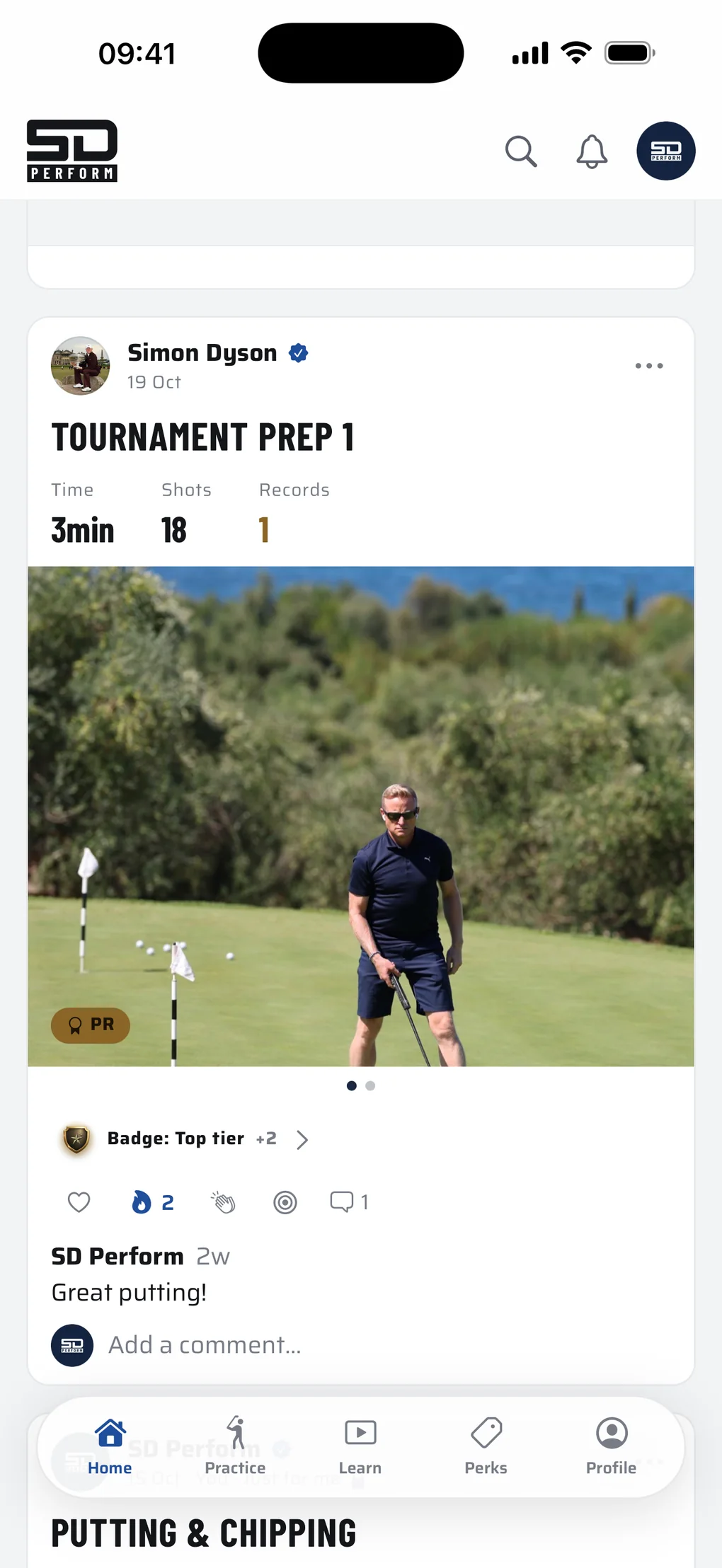
See what others are working on.
Two tabs. Following shows the members you follow, Simon's community posts and your own sessions. Discover shows recent public sessions from members you don't follow yet.
A shared session shows its drills, their scores and every shot, the time it took and any records set, with up to five photos and a caption. React with a heart, fire, clap or target, and comment underneath. Find friends by name, or start with the suggestions.
Nothing is ranked. No leaderboards, just your practice and the people cheering it on.
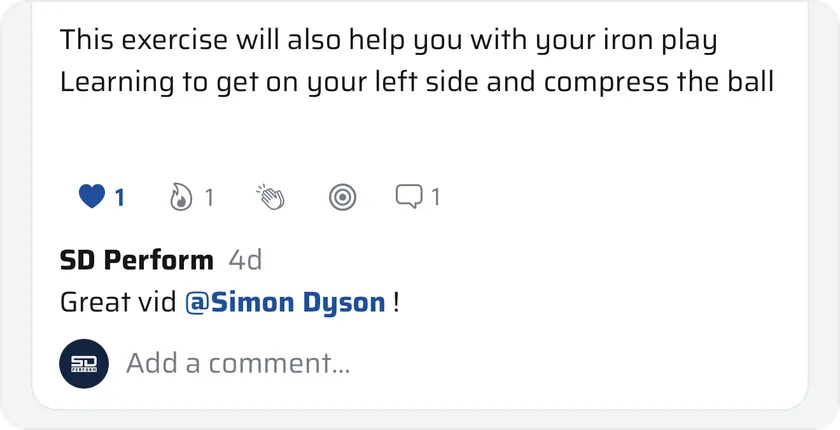
Simon's in it with you.
Every member follows Simon from day one.
His posts
Updates, photos and short videos, straight into your feed: exclusive inside access to Simon's day to day while he's preparing to return to tour golf, and posts to help your game whenever he's inspired.
Your questions, answered
You can ask Simon a question in Learn any time. If he picks yours, his answer goes up on the feed as a short video for every member to learn from. You'll be credited on the post, and you'll get a notification to let you know.
His sessions
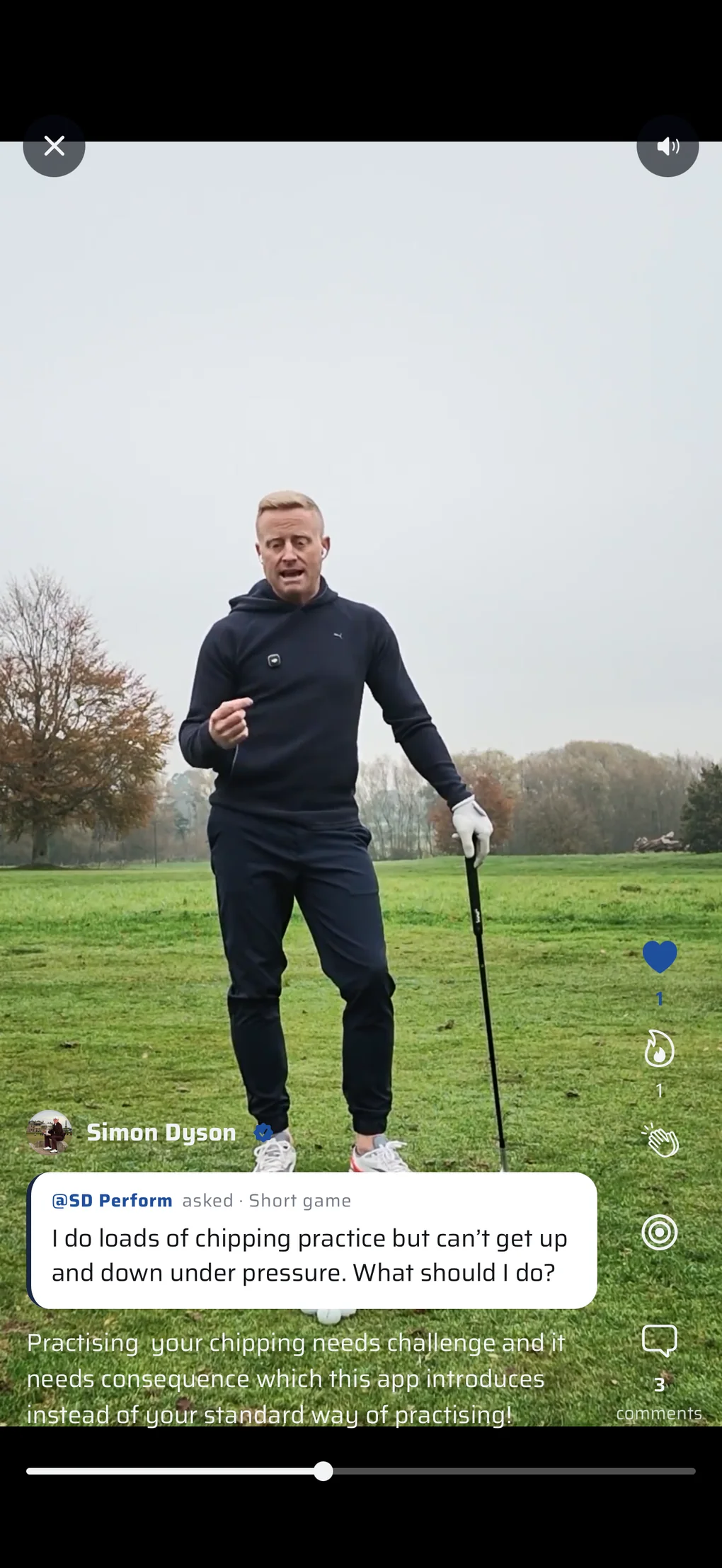
Run one of Simon's sessions and your post carries his chip.
Share it, or keep it to yourself.
When you finish a session, choose who sees it: the feed, or just you.
A just-for-me session still counts in your stats. It sits on your own feed and profile with a small lock, and nobody else sees it. Changed your mind later? You can always share a just-for-me session, or make a shared one just for you. Your private notes are never shared.
Had a great session you want to share outside the app? Send it anywhere as an image, with your photo and your session numbers.
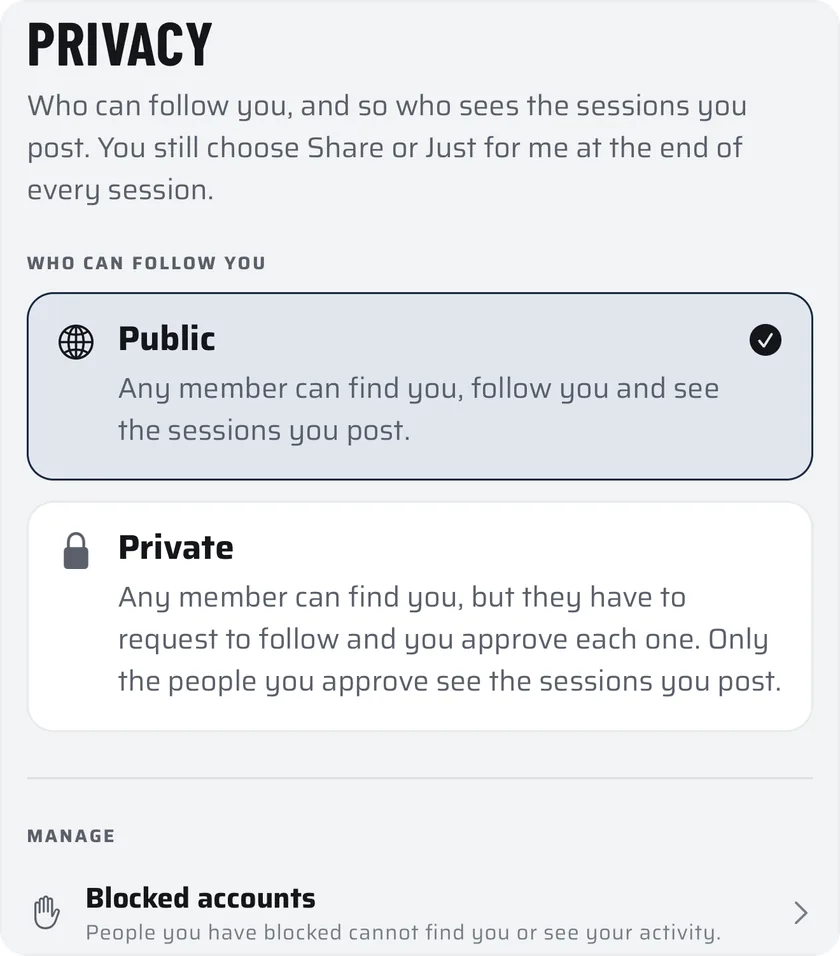
Public by default. Private in one tap.
Public
Any member can find you, follow you and see the sessions you post.
Private
Any member can find you, but they have to ask to follow and you approve each one. Only the people you approve see the sessions you post.
Block anyone from the ··· menu, and report a post, a comment or a member. Everyone agrees to the Community Rules before they can use the app.
Get SD Perform first.
Apply for the Founding 100 and get the app before anyone else, or get launch updates and hear first when membership opens.
Hear first.
Leave a first name and an email. You get the launch updates, when membership opens, and news from Simon.
Noted.
We've sent a confirmation to your email. When the app is ready for you, you'll hear first.
You asked to be kept posted: the launch, membership opening, and news from Simon. One tap to leave, any time.
Coming soon to iPhone.